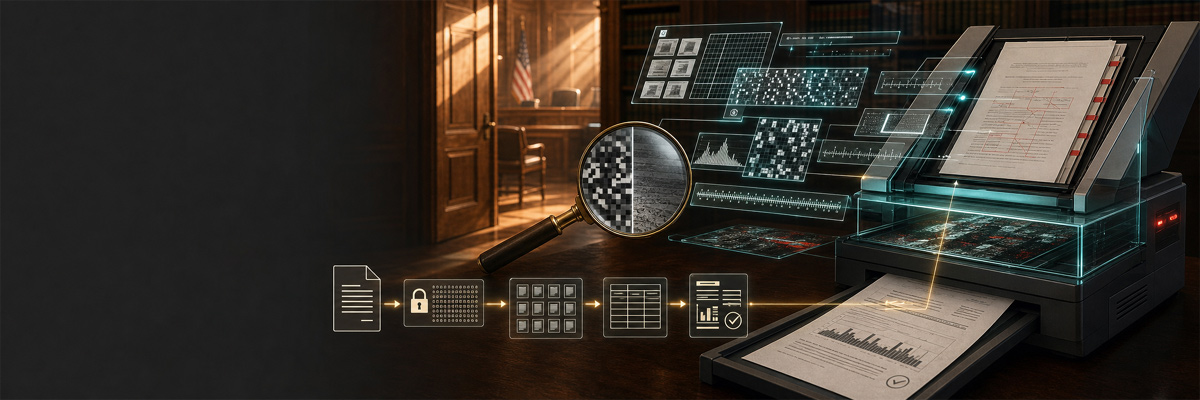
Run a Scan Quality Check of Your Self-Represented South Carolina State-Court Level Civil Filing
- Find your case on the court's public index : You can find civil state court cases in South Carolina online using the Case Records Search provided by the South Carolina Judicial Branch. Click on your county and use the search function to find your case.
- Select the filing to test: When you find the docket for your case, click on the "actions" tab, then look for the filing to test - they are in order of descending date(most recent at the top). When you identify the filing, Right-click the icon on the far right under "Documents", select "copy link" (it's "copy link address" in Chrome, but we recommend Firefox), Then right-click into a text file or document in which to save the full URL of the filing and click "paste". Now save that information where you can find it. You will need that full web address of the document for the portal, which uses it to verify the filing matches the URL.
- Download the docket copy: Left click on the same icon to open the pdf in a new browser tab. Once it opens (it usually has to think a few seconds first, due to the pdf wrapper used), download and save the pdf of that filing which you want to test on your computer. Do not modify it in any way.
- Enter the docket URL into the Scannergate portal: Go to the portal, copy the URL you saved, click into the textbox underneath "Docket URL" and right-click (or Ctrl-V) to paste the address of the docket page or document link you downloaded from. Click the "Verify Docket Filing" button underneath the textbox. The portal records it so that it can verify your upload against the public docket entry. This way, the report can tie your file to a specific, citable court record.
- Upload Your Filing pdf: The "Stage 2" panel appears, with the "choose file" button allowing you to find and select your downloaded pdf on your computer. The click the "Upload and analyze PDF" button and Scannergate will ingest and analyze your document. The portal computes the file's SHA-256 fingerprint, reads its metadata, and measures every page image inside it. In many of McNeil and Poyer's filings, different scan settings were used for different pages in the same documents, so the the analysis is per-page, not just per-document.
- Print your report: The result page opens at a private link that only you receive. Print it or save it as a PDF. Copy and paste the resulting report URL so you can access it again. The report lists the scan setting used for each individual page, as well as documenting the method, so that others can repeat the test on the same file and reach the same numbers.
What the report measures
A PDF stores each scanned page as an image object with declared properties. The portal inventories those objects directly:
- Fidelity tier per page. Each page image is classified as 1-bit bitonal (pure black and white), grayscale, or full color. This single measurement tells you whether a color photograph survived the trip into the official record or came out as silhouettes.
- Effective resolution. The pixel dimensions of each image divided by its printed size yield the dots-per-inch actually preserved, independent of what any cover sheet claims.
- Producer and Creator strings. PDF metadata names the software or device that assembled the file. Docket-system software leaves one signature; a physical scanner leaves another, often naming its exact model. When a docket copy names a specific scanner as both Producer and Creator, the record itself tells you which machine made it and which output setting that machine was on.
- Native text detection. A born-digital filing carries selectable text. A copy that lost its text layer was re-imaged somewhere between the filer and the public docket.
Why the cryptography matters
Every report anchors to a SHA-256 hash of the uploaded file. A hash is a cryptographic fingerprint: feed the identical file into the algorithm anywhere in the world and you get the identical 64-character value; change a single byte and the value transforms completely. This does three jobs at once:
- It establishes the evidence. The report speaks about one exact file, identified beyond argument. Anyone holding a file that produces the same hash can see they are holding the same file.
- It makes the findings reproducible. A skeptic can download the same docket copy, confirm the hash matches, run any standard PDF analysis tool, and watch the same numbers appear. The portal's credibility rests on the fact that it needs zero trust.
- It detects substitution. If a docket copy changes after the fact, its hash changes with it. A dated report with a hash is a tamper-evident snapshot of what the public record served on that day.
Why the methodology holds up
The portal measures objectively without speculation. Every value in a report comes from deterministic inspection of the file's internal structure using standard PDF library calls, the same calls a typical forensic examiner might make. The method runs in four stages: retrieve the file and compute its hash, inventory the metadata and every image object, attempt raster decode and measure sample luminance, and write the results through audited database procedures. The report states the method clearly and the docket-verification step ties each result to a public court record anyone can pull. This process invites independent reproduction .
Initial findings
The first corpus tested through this method covers 39 filings in a single Charleston County civil case, with more than 1,500 page images measured across the docket copies:
- Docket copies of Pro Se Plaintiffs' filings surfaced 1,069 bitonal page images against 116 grayscale and 308 color, meaning the overwhelming majority of pages entered the official record stripped to pure black and white at the lowest fidelity tier.
- Five docket copies named a specific device, the RICOH IM 6000 multifunction scanner, as both Producer and Creator. Every one of those five emerged 1-bit bitonal with zero native text. The metadata records the machine and the setting together.
- The remaining assessed copies named Adobe PDF Library 18.0.4, the signature of the docket system's own assembly software, with the Creator field blank.
- Chronological analysis shows the same docket pipeline producing full-color output in February, May, and July 2026, which establishes that the system preserves color when color is asked of it. Capability was present; fidelity varied by choice of setting.
What this can mean for a case
Fidelity is substance. A tenant's color photographs of housing conditions, an exhibit's highlighted text, a signature in blue ink: each of these carries meaning that a 1-bit conversion seemingly erases. When the official record preserves one party's exhibits in full color and reduces another party's to silhouettes, the record itself has taken a side and a degraded record shadows what an Appellate courts review can see.
A Scan Check report turns that concern into numbers. It tells you, filing by filing, what the public record preserved, what machine produced each copy, and what setting that machine used. Those are facts a higher court can weigh, and any expert can verify. Run the check on your own case's docket copies; the measurements belong to everyone.